
5 Resume Formatting Mistakes to Avoid
Formatting issues account for over 50% of automatic applicant portal rejections. Make sure your resume avoids these layout errors.
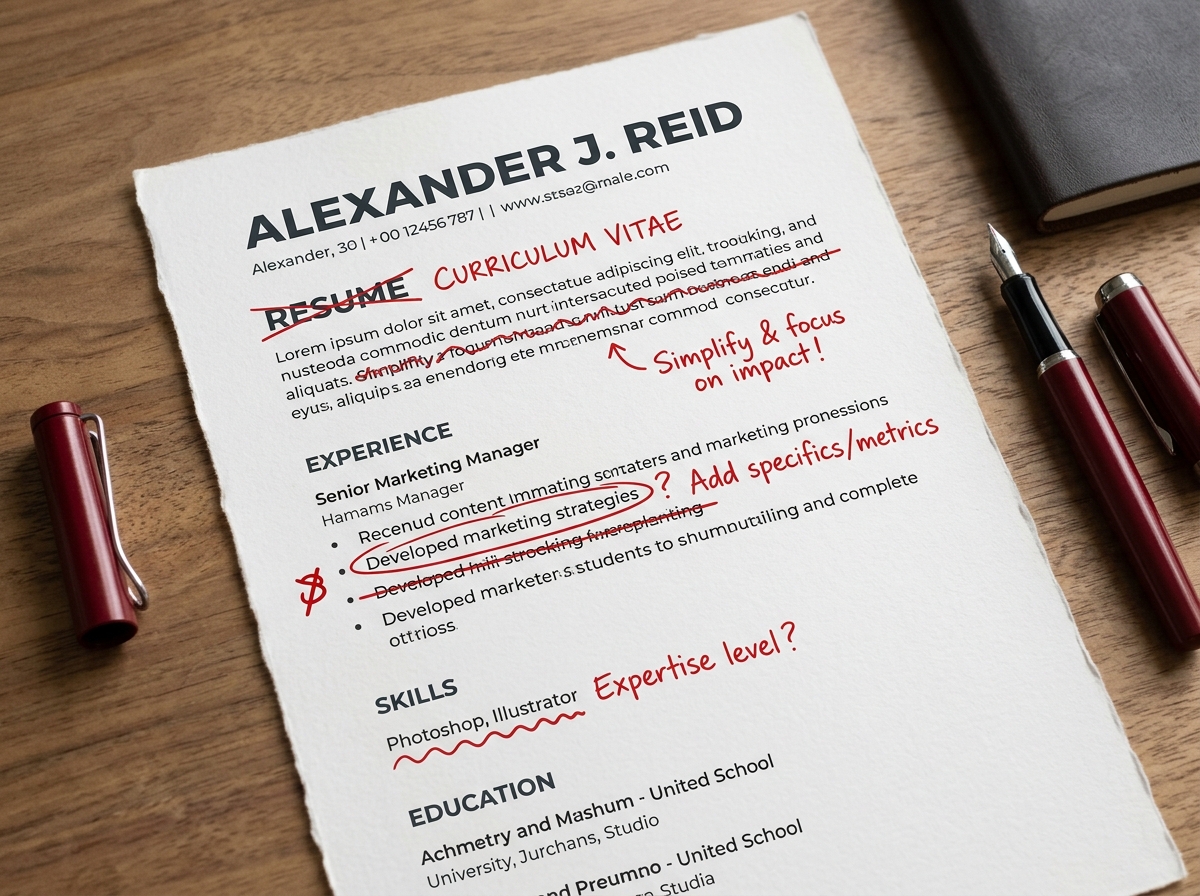
A beautifully styled resume is pointless if hiring software cannot read it. When you upload a resume online, Applicant Tracking Systems (ATS) scan the file structure first. If the file structure contains invalid elements, the parser scrambles your profile information, resulting in an automatic rejection.
Mistake 1: Placing text in tables or boxes
Many templates place contact details, skills, or job timelines inside boxes or tables to create columns. Most ATS parsers read from left-to-right across the entire page, completely ignoring cell boundaries. This scrambles the text from column A directly into column B, creating an unreadable mess of words.
Mistake 2: Storing contact info in headers/footers
Some applicants place their phone number, email, and address inside the actual Word/PDF header or footer area to save space. However, many older ATS parsers ignore the header and footer layers entirely, leaving your profile without contact details.
Mistake 3: Using graphical elements and icons
Visual skill ratings (e.g. progress bars, star ratings, or colored circle meters) look modern, but parsers read them as garbage characters or simply skip them. Instead, describe your proficiency using industry-standard words (e.g. "Advanced", "Intermediate").
Mistake 4: Non-standard section headings
ATS software relies on standard keyword landmarks to navigate your file. Use labels like "Work Experience", "Education", and "Skills". Do not use labels like "Where I've Been" or "My Career Journey" as the system won't know how to categorize the content below them.
Want a guaranteed ATS-safe format?
We rewrite and format CVs using professional single-column layouts that parse perfectly in all major corporate application systems.
Explore CV Writing Service